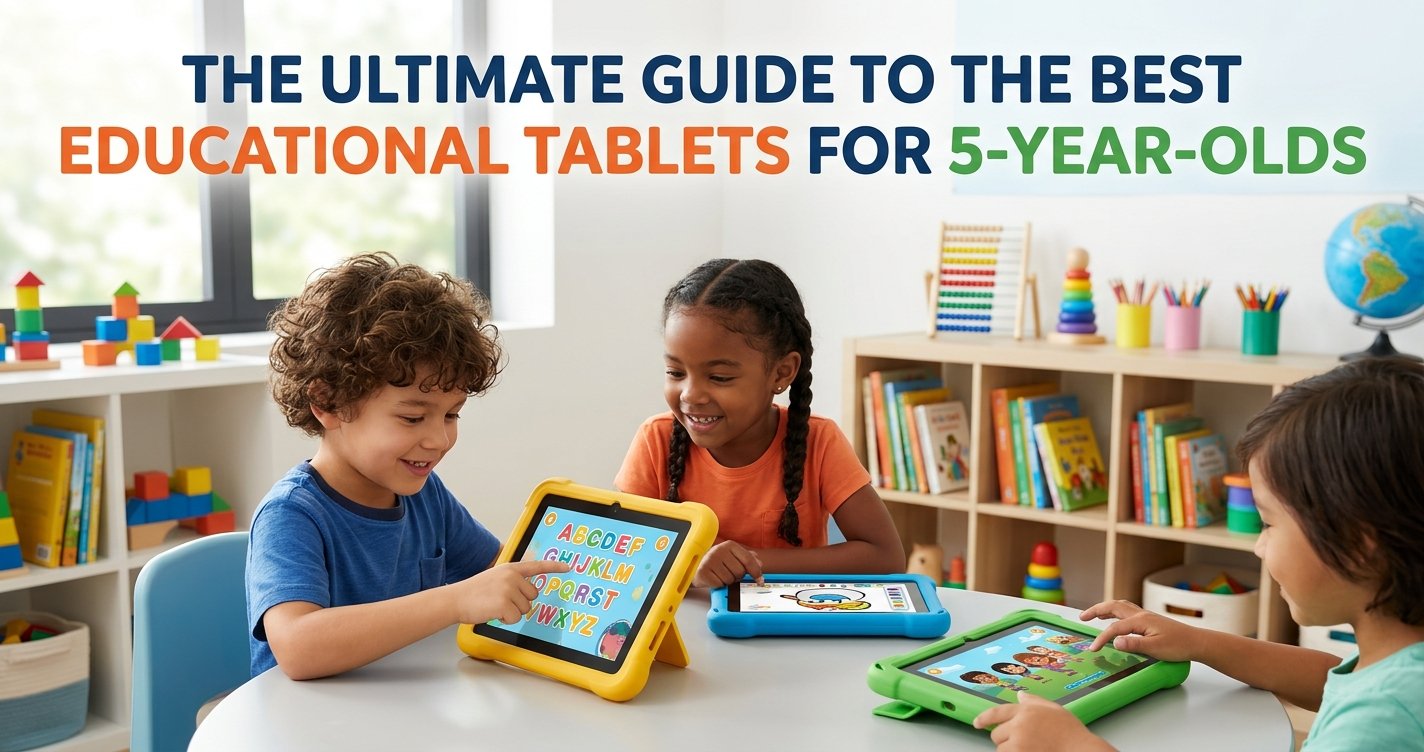
As a leading expert in educational toys, ToyVista understands the incredible curiosity and rapid development that defines a five-year-old. This age marks a pivotal time in a child's learning journey, where foundational skills in literacy, numeracy, and problem-solving truly begin to blossom. In today's digital age, educational tablets have emerged as powerful tools to support this growth, offering interactive experiences that can complement traditional learning methods.
However, navigating the vast market of children's tablets can be daunting. With countless options promising educational benefits, how do parents choose the device that truly aligns with their child's developmental needs and offers genuine learning value? That's where ToyVista comes in. We’ve meticulously researched and analyzed the landscape to bring you this comprehensive guide on the best educational tablets for 5-year-olds, ensuring your child gets a device that is not only fun but genuinely enriching.
Why Educational Tablets are a Smart Choice for 5-Year-Olds
At five years old, children are like sponges, absorbing information and developing new skills at an astonishing rate. While nothing can replace hands-on play and social interaction, a well-chosen educational tablet can be a fantastic supplement to their learning environment. Here’s why these devices can be incredibly beneficial for preschoolers:
Fostering Cognitive Development
- Problem-Solving Skills: Many educational apps present puzzles, logic games, and challenges that require critical thinking to solve.
- Early Literacy: Interactive storybooks, alphabet games, and phonics programs can make learning to read and write an engaging adventure.
- Numeracy Skills: Apps designed to teach counting, basic arithmetic, and shape recognition lay crucial mathematical foundations.
Enhancing Fine Motor Skills and Hand-Eye Coordination
Swiping, tapping, and dragging on a tablet screen helps refine a child's fine motor skills, which are essential for tasks like writing and drawing. The coordination required to interact with on-screen elements also sharpens their hand-eye coordination.
Igniting Creativity and Imagination
From digital art studios to virtual building blocks and music creation tools, tablets offer a canvas for endless creative expression. Children can experiment with colors, shapes, sounds, and storytelling in ways that might not always be possible with physical materials.
Introducing Digital Literacy Safely
In an increasingly digital world, early exposure to technology in a controlled, educational setting can help children develop essential digital literacy skills. Learning how to navigate interfaces and interact with digital content safely is a valuable skill for the future.
Key Features to Consider When Choosing an Educational Tablet for 5-Year-Olds
Not all tablets are created equal, especially when it comes to young children. Here’s what ToyVista recommends prioritizing when you're on the hunt for the best educational tablets for 5-year-olds:
Durability and Kid-Proof Design
Let's face it: five-year-olds are active, and accidents happen. A tablet for this age group absolutely must be able to withstand drops, spills, and enthusiastic handling. Look for devices with:
- Robust Cases: Often made of silicone or rubber, these provide excellent shock absorption.
- Shatter-Resistant Screens: While not indestructible, these screens are designed to be more resilient than standard glass.
- Water Resistance: A bonus feature that can protect against minor spills.
Comprehensive Parental Controls
This is non-negotiable. Effective parental controls allow you to manage:
- Screen Time Limits: Set daily limits and schedules to ensure a healthy balance.
- Content Filtering: Restrict access to inappropriate websites, apps, and videos.
- App Permissions: Control which apps your child can download or access.
- In-App Purchases: Prevent accidental or unauthorized purchases.
- Child Profiles: Create a personalized, safe environment just for your child.
Age-Appropriate Educational Content and Apps
The core value of an educational tablet lies in its content. Ensure the tablet offers:
- Curated App Libraries: Many kids' tablets come with pre-loaded educational apps or access to a vetted app store.
- Subscription Services: Some tablets offer subscriptions to educational content platforms (e.g., Amazon Kids+, LeapFrog Academy) that provide a vast library of games, books, and videos tailored for young learners.
- Learning Focus: Prioritize apps that encourage active learning, critical thinking, and creativity over passive consumption.
Screen Quality and Eye Protection
A good screen doesn't just look better; it's also important for eye health. Look for:
- Decent Resolution: Clear, vibrant images are more engaging and easier on the eyes.
- Blue Light Filters: Many tablets now include features to reduce blue light emission, which can disrupt sleep patterns.
- Anti-Glare Coatings: Helpful for reducing eye strain in various lighting conditions.
Battery Life and Performance
A tablet that constantly needs charging or lags during use can quickly become frustrating for both child and parent. Aim for:
- Long Battery Life: At least 6-8 hours of active use is ideal for car trips, doctor's appointments, and extended play sessions.
- Responsive Performance: Sufficient RAM and a decent processor ensure apps run smoothly without frustrating delays.
Connectivity
Most educational tablets rely on Wi-Fi for downloading content and accessing online features. Bluetooth connectivity can also be useful for connecting headphones or external speakers.
Price vs. Value
Consider your budget, but also think about the long-term value. A slightly more expensive tablet with superior durability, better parental controls, and a richer content library might be a better investment in the long run than a cheaper, less robust option.
Top Picks: Best Educational Tablets for 5-Year-Olds (ToyVista Recommendations)
Based on our extensive criteria, here are some categories and examples of tablets that consistently rank high for 5-year-olds:
The Robust and Content-Rich Choice: Amazon Fire HD Kids Edition
Amazon's Fire Kids tablets are perennial favorites, and for good reason. They are specifically designed for children with a sturdy, colorful kid-proof case and a no-questions-asked 2-year worry-free guarantee. The real gem is the included Amazon Kids+ subscription (formerly FreeTime Unlimited), which offers thousands of age-appropriate books, games, videos, and apps from popular brands like Disney, PBS Kids, and National Geographic, all curated for various age groups, including 5-year-olds.
- Pros: Excellent durability, comprehensive parental controls, vast curated content library, 2-year warranty.
- Cons: Relies heavily on the Amazon ecosystem, performance can sometimes be basic compared to premium tablets.
The Learning-Focused Innovator: LeapFrog Epic Academy Edition
LeapFrog has a long-standing reputation for educational excellence, and their tablets are no exception. The Epic Academy Edition is built from the ground up with learning in mind. It comes pre-loaded with over 20 educational apps and access to the LeapFrog Academy subscription service, which provides a personalized learning experience across subjects like math, reading, science, and creativity. Its kid-safe browser and robust parental controls give parents peace of mind.
- Pros: Strong educational focus, curriculum-based content, secure web browser, durable design.
- Cons: App selection outside of LeapFrog's ecosystem is limited, performance can be modest.
The Versatile and Expandable Option: Entry-Level Samsung Galaxy Tab A (with Kids Mode)
For parents looking for a more versatile tablet that can grow with their child, an entry-level Android tablet like a Samsung Galaxy Tab A, combined with its robust 'Kids Mode' or a third-party parental control app, can be an excellent choice. These tablets offer access to the full Google Play Store (with parental restrictions enabled), allowing for a wider range of apps as your child matures. The key is to heavily utilize the built-in parental controls and carefully vet every app download.
- Pros: Greater flexibility and app selection, can be used by adults too, more powerful hardware.
- Cons: Requires more active parental management, often needs a separate kid-proof case purchase, can be more expensive.
Beyond the Screen: Balancing Digital and Hands-On Learning
While educational tablets offer fantastic opportunities, ToyVista always advocates for a balanced approach to learning. Digital tools are powerful supplements, not replacements, for traditional play and interaction. Encourage your 5-year-old to engage in a variety of activities that stimulate different parts of their brain:
- Outdoor Play: Essential for physical development, exploring nature, and imaginative play.
- Creative Arts: Drawing, painting, sculpting with clay, and crafting foster fine motor skills and artistic expression.
- Building and Construction: Blocks, LEGOs, and other building toys enhance spatial reasoning and problem-solving. For an excellent example of how hands-on construction can spark creativity and STEM skills, consider exploring this top-rated robotic building kit, which combines construction with an introduction to basic robotics.
- Reading Physical Books: Cuddling up with a physical book is a wonderful bonding experience and crucial for literacy development.
- Social Play: Interacting with peers and family members is vital for emotional and social intelligence.
Setting Screen Time Limits and Best Practices for 5-Year-Olds
Even with the best educational tablets for 5-year-olds, moderation is key. The American Academy of Pediatrics (AAP) recommends limiting screen time for children aged 2-5 to one hour per day of high-quality programming, co-viewed with a parent or caregiver. For 5-year-olds, this guideline provides a good starting point, though some flexibility might be considered for truly interactive, educational content.
Here are ToyVista’s best practices for managing tablet use:
- Be Present: Whenever possible, engage with your child during their screen time. Ask questions about what they’re learning, play alongside them, and discuss the content.
- Set Clear Boundaries: Establish specific times and locations for tablet use (e.g., no tablets during meals, before bed, or in bedrooms).
- Use Parental Controls: Actively utilize the tablet’s built-in parental controls to enforce time limits and content restrictions.
- Prioritize Educational Content: Steer your child towards apps and games that have clear learning objectives.
- Model Good Behavior: Children learn by example. Be mindful of your own screen time habits.
- Encourage Breaks: Ensure your child takes regular breaks from the screen to rest their eyes and move their body.
Maintenance Tips for Your Child's Educational Tablet
To ensure your chosen educational tablet lasts and continues to provide value, a little care goes a long way:
- Keep the Case On: This is the first line of defense against drops and bumps.
- Regular Cleaning: Use a soft, microfiber cloth to gently wipe the screen and device, especially if food or sticky fingers are involved. Avoid harsh chemicals.
- Software Updates: Keep the tablet's operating system and apps updated to ensure optimal performance and access to the latest features and security patches.
- Charge Properly: Follow manufacturer guidelines for charging to extend battery life. Avoid overcharging or letting the battery completely drain too often.
- Monitor Storage: Periodically check the tablet's storage and remove unused apps or files to keep it running smoothly.
Conclusion: Empowering Learning with the Right Tablet
Choosing the best educational tablets for 5-year-olds is about more than just finding a gadget; it's about investing in a tool that can unlock new worlds of learning and creativity for your child. By prioritizing durability, robust parental controls, and high-quality educational content, you can select a tablet that serves as a valuable companion in their early development.
At ToyVista, we believe in empowering parents with the knowledge to make informed choices. Remember, the best educational tablet is one that fits your child's unique needs, your family's values, and integrates seamlessly into a balanced learning environment. Explore our extensive range of educational toys and resources to further enrich your child's journey of discovery and growth. Happy learning!