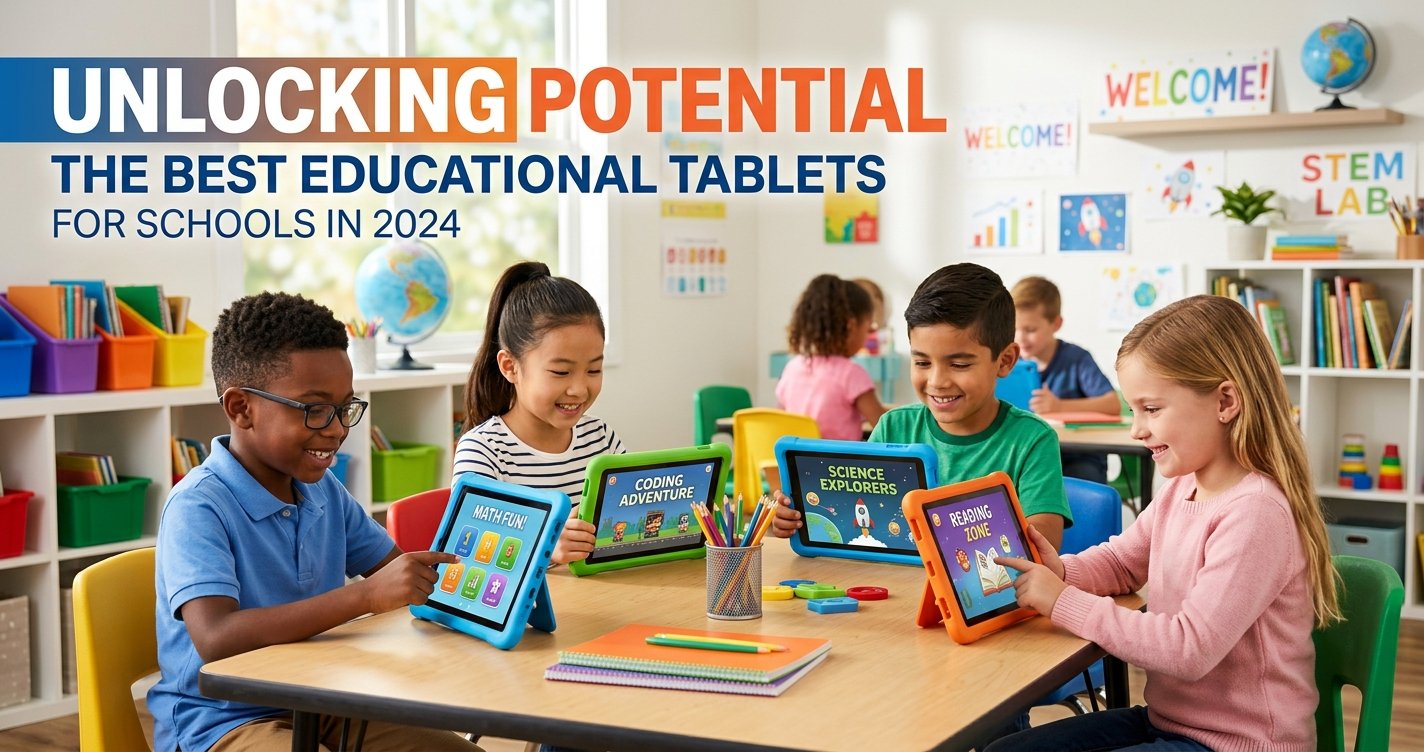
In an era defined by rapid technological advancement, the modern classroom is undergoing a profound transformation. Gone are the days when textbooks and chalkboards were the sole pillars of learning. Today, educational technology stands at the forefront, revolutionizing how students engage with information, collaborate, and develop critical 21st-century skills. Among the most impactful tools reshaping this landscape are educational tablets.
For school administrators, educators, and parents alike, the decision to integrate tablets into the curriculum is a significant one. It's not just about purchasing devices; it's about investing in a future where learning is personalized, interactive, and accessible. But with a myriad of options flooding the market, how do schools identify the best educational tablets for schools that truly meet their unique needs, budget constraints, and pedagogical goals?
At ToyVista, a leading expert in educational toys and learning solutions, we understand the complexities involved in selecting the right technology for young minds. Our mission is to empower educational institutions with insights and recommendations that foster effective, engaging, and future-proof learning environments. This comprehensive guide will delve deep into the world of educational tablets, providing you with the knowledge needed to make an informed decision that truly unlocks the potential of every student.
Why Educational Tablets Are Indispensable in Today's Classrooms
The integration of educational tablets goes far beyond simply digitizing existing content. These versatile devices open up new avenues for learning, offering dynamic experiences that traditional methods often cannot match. Their presence in classrooms signifies a commitment to preparing students for a world increasingly reliant on digital literacy.
Fostering Interactive Learning Experiences
Tablets transform passive consumption into active participation. With interactive apps, educational games, virtual simulations, and multimedia content, students are no longer just reading about concepts; they are experiencing them. This hands-on approach significantly boosts engagement, making complex subjects more digestible and enjoyable. From exploring the human body in 3D to simulating chemical reactions, tablets bring lessons to life in vivid detail.
Personalizing Education for Every Student
One of the most powerful advantages of educational tablets is their ability to cater to individual learning styles and paces. Adaptive learning platforms can identify a student's strengths and weaknesses, providing customized content and exercises that challenge them appropriately. This personalized pathway ensures that advanced learners can accelerate, while those needing extra support receive targeted assistance, fostering a more equitable and effective learning environment for all.
Bridging the Digital Divide
In many communities, access to personal technology remains a significant barrier. By providing educational tablets, schools can ensure that every student has equal access to digital resources, regardless of their socioeconomic background. This initiative is crucial for bridging the digital divide, equipping all students with the essential technological fluency required to succeed in higher education and the modern workforce.
Developing Essential 21st-Century Skills
Beyond academic content, tablets are instrumental in cultivating vital 21st-century skills. Students learn digital literacy, critical thinking, problem-solving, collaboration, and creativity as they navigate applications, conduct research, and create digital projects. These skills are not just beneficial for academic success; they are foundational for future career readiness and active participation in a technology-driven society.
Key Factors to Consider When Choosing Educational Tablets for Schools
Selecting the ideal educational tablet involves more than just picking a popular brand. Schools must carefully evaluate several critical factors to ensure the devices align with their long-term educational strategy and operational realities.
Durability and Build Quality
School environments can be tough on electronics. Tablets intended for classrooms must be robust enough to withstand daily use, accidental drops, and general wear and tear. Look for devices with reinforced casings, scratch-resistant screens, and ideally, IP ratings for water and dust resistance. Many manufacturers also offer kid-friendly versions with protective bumpers or rugged cases specifically designed for educational settings.
Performance and Processing Power
Smooth performance is crucial for an uninterrupted learning experience. Tablets should have sufficient processing power and RAM to run multiple educational apps simultaneously, handle multimedia content, and support demanding tasks without lag. A slow device can quickly lead to frustration and hinder engagement.
Screen Quality and Size
The display is the primary interface between the student and the content. High-resolution screens with good brightness and color accuracy are essential for reducing eye strain and making text and images clear. Screen size should be appropriate for the age group and intended use – larger screens might be better for collaborative work or detailed tasks, while smaller ones offer greater portability.
Operating System and Ecosystem
The choice of operating system (OS) profoundly impacts app availability, device management, and user experience. The main contenders are:
- iOS (Apple iPads): Known for intuitive interfaces, robust security, and a vast ecosystem of high-quality educational apps. Excellent device management tools (MDM) are available.
- Android: Offers greater hardware variety and price points. The Google Play Store also boasts a massive app library, though quality can vary. Flexibility in customization is a plus.
- ChromeOS (Chromebook tablets): Integrates seamlessly with Google Workspace for Education, excellent for cloud-based learning and collaboration. Simple to manage and often very secure.
Consider which OS best integrates with your existing IT infrastructure and preferred educational software.
Battery Life
For a full day of learning without constant recharging, extended battery life is non-negotiable. Aim for tablets that offer at least 8-10 hours of active use, ensuring they can last through multiple classes or even an entire school day on a single charge.
Storage Capacity
Educational apps, downloaded content, student projects, and operating system files all consume storage. While cloud storage can offload some data, sufficient internal storage (e.g., 32GB, 64GB, or more) is vital to ensure smooth operation and accommodate offline access to learning materials.
Security and Parental Controls
Data privacy and student safety are paramount. Tablets for schools must offer robust security features, including content filtering, app restrictions, and secure login protocols. Effective Mobile Device Management (MDM) solutions are essential for centrally managing devices, pushing updates, and enforcing school policies.
Price and Scalability
Budget is often a primary concern for schools. While a lower upfront cost can be appealing, consider the total cost of ownership, including accessories, software licenses, and potential repair costs. Evaluate bulk purchasing options and the long-term scalability of your chosen solution as your technological needs evolve.
Connectivity
Reliable Wi-Fi is a given, but consider if optional LTE connectivity is necessary for students who may need to work remotely or in areas without Wi-Fi access. Bluetooth capability is also important for connecting peripherals like keyboards, mice, or educational robotics kits.
Educational Software and App Compatibility
The best hardware is only as good as the software it runs. Ensure the tablets are compatible with the specific educational apps, learning platforms (LMS), and digital textbooks your school plans to use. Research the availability and quality of educational content for your chosen OS.
Top Contenders: Best Educational Tablets for Schools
Based on the factors above, several tablet lines consistently stand out as excellent choices for educational environments.
Apple iPads (iPad, iPad Air)
Pros: Unrivaled app ecosystem with high-quality educational content, robust security, intuitive user interface, excellent performance, strong device management capabilities, and a durable build. Long-term software support. The standard iPad offers great value for its features.
Cons: Higher initial cost compared to some Android or ChromeOS alternatives. Limited customization outside the Apple ecosystem.
Android Tablets (Samsung Galaxy Tab, Amazon Fire HD Kids Pro)
Pros: Wide range of price points and hardware options, allowing for greater budget flexibility. The Samsung Galaxy Tab series offers solid performance and good displays. Amazon Fire HD Kids Pro tablets are specifically designed for children with robust parental controls, kid-friendly interfaces, and durable cases, often at a very attractive price point.
Cons: App quality can be more inconsistent on the Google Play Store compared to iOS. Fragmentation across different Android versions can sometimes complicate device management and app compatibility. Amazon Fire tablets run a heavily customized version of Android, which might limit access to the full Google Play Store without modifications.
ChromeOS Tablets (Lenovo Chromebook Duet)
Pros: Excellent for cloud-centric learning and seamless integration with Google Workspace for Education. Simple to manage, highly secure, and often more affordable than iPads. Many ChromeOS tablets offer 2-in-1 functionality, doubling as laptops with attachable keyboards.
Cons: Relies heavily on internet connectivity for full functionality. App selection, while growing, is not as extensive or mature as iOS or Android for certain educational niches. Performance can vary depending on the specific model.
While tablets provide a fantastic foundation for digital learning, hands-on activities remain crucial for developing a holistic understanding. For instance, combining tablet-based coding lessons with a physical, interactive device like this top-rated robotic building kit can create an unparalleled STEM learning experience. It allows students to apply their digital knowledge in the physical world, fostering problem-solving skills, creativity, and a deeper appreciation for engineering principles. Integrating such tools ensures a balanced approach to modern education, blending the best of digital and tangible learning.
Implementing Tablets Successfully in the Classroom
Acquiring the right tablets is only half the battle. Successful integration requires a well-thought-out strategy that addresses teacher training, curriculum alignment, and ongoing support.
Professional Development for Teachers
Teachers are the linchpins of successful technology integration. Comprehensive professional development is essential to equip educators with the skills and confidence to effectively use tablets as teaching tools. Training should cover not just technical proficiency but also pedagogical strategies for incorporating tablets into lesson plans, managing digital classrooms, and leveraging educational apps.
Establishing Clear Usage Policies
Clear and consistent policies regarding tablet use, digital citizenship, online safety, and device care are crucial. These policies should be communicated effectively to students, parents, and staff to ensure responsible and productive use of the technology.
Integrating with Existing Curriculum
Tablets should enhance, not replace, the existing curriculum. Successful implementation involves mapping how tablets and their associated apps can support learning objectives across various subjects. This might involve using tablets for research, interactive assignments, collaborative projects, or creating multimedia presentations.
Leveraging Device Management Solutions
For schools deploying a large number of tablets, a robust Mobile Device Management (MDM) solution is indispensable. MDM allows IT staff to remotely configure settings, distribute apps, push updates, monitor device health, and enforce security policies across all devices from a central console. This streamlines management, reduces IT workload, and ensures a consistent learning environment.
Beyond the Screen: Complementary Educational Tools
While educational tablets are powerful, they are most effective when part of a broader ecosystem of learning tools. ToyVista champions a holistic approach to education, recognizing that a blend of digital and physical resources often yields the best outcomes.
Robotics and Coding Kits
As highlighted earlier, tools like robotic building kits offer invaluable hands-on experience in STEM fields. They complement tablet-based coding lessons by allowing students to see their code come to life, fostering problem-solving and critical thinking in a tangible way.
Interactive Whiteboards
Pairing tablets with interactive whiteboards creates a dynamic front-of-class experience. Teachers can project content from their tablet, annotate, and engage the entire class in interactive activities, making lessons more collaborative and visually stimulating.
Digital Microscopes and Science Kits
For science education, digital microscopes that connect to tablets allow students to capture and analyze magnified images, fostering scientific inquiry. Integrating tablets with physical science kits can transform experiments, enabling data logging, analysis, and multimedia reporting.
Conclusion: Investing in the Future of Learning with the Right Educational Tablets
Choosing the best educational tablets for schools is a strategic decision that has far-reaching implications for student engagement, academic achievement, and future readiness. By carefully considering factors such as durability, performance, ecosystem, and manageability, schools can make an investment that truly empowers their students and educators.
At ToyVista, we believe that the right blend of innovative technology and thoughtful implementation can unlock unparalleled learning opportunities. Educational tablets are not just gadgets; they are gateways to new knowledge, creativity, and collaboration. By selecting the right devices and integrating them effectively, schools can cultivate a dynamic, interactive, and personalized learning environment that prepares students not just for tests, but for life in a rapidly evolving world.
Explore ToyVista's extensive resources and expert recommendations to further enhance your school's educational technology journey. Together, let's build a brighter future for our learners.