
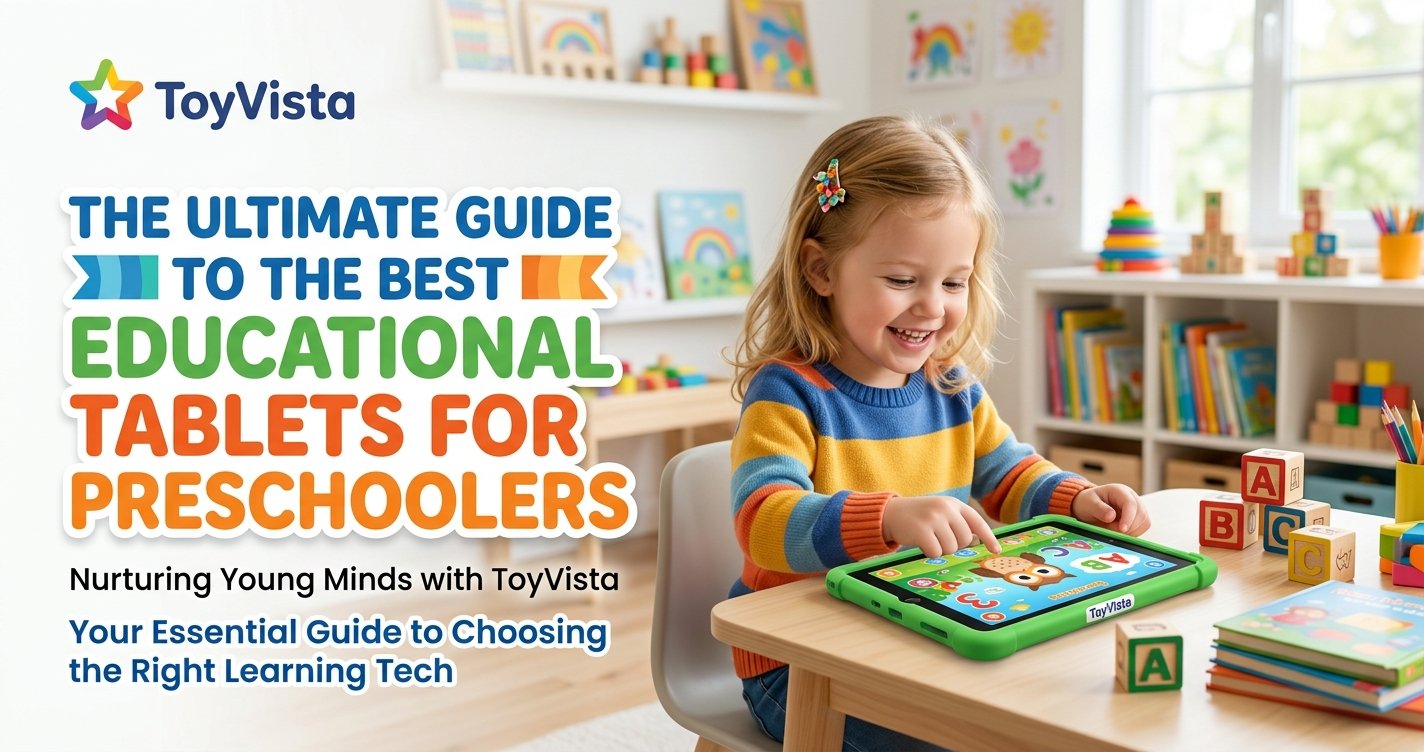
As parents, we constantly seek the best tools to foster our children's development and prepare them for a future driven by technology. In today's digital age, educational tablets have emerged as a powerful resource, offering a gateway to interactive learning for even the youngest minds. But with an overwhelming array of options, how do you choose the best educational tablets for preschoolers?
At ToyVista, a leading expert in educational toys, we understand this dilemma. Our mission is to guide you through the complexities of modern learning tools, ensuring your child's screen time is not just entertaining but genuinely enriching. This comprehensive guide will delve into the world of educational tablets, helping you make an informed decision that aligns with your child's developmental needs and your family's values.
We'll explore the myriad benefits these devices offer, what critical features to look for, and even address common parental concerns. Our goal is to empower you to select a tablet that serves as a valuable companion in your preschooler's early learning journey, transforming passive screen time into active, engaging, and educational exploration.
Why Educational Tablets for Preschoolers? Understanding the Benefits
The notion of a tablet for a preschooler might raise an eyebrow for some, but when utilized thoughtfully, these devices can be incredibly beneficial. Far from being mere entertainment gadgets, the right educational tablet acts as a dynamic learning platform, tailored to the unique developmental stage of 3-5-year-olds.
Fostering Early Learning Skills
High-quality educational apps are designed to introduce foundational skills in an engaging way. Preschoolers can learn alphabet recognition, phonics, number sense, basic shapes, and colors through interactive games, songs, and puzzles. These apps often adapt to the child's pace, providing challenges that are just right, preventing frustration, and building confidence. This early exposure lays a strong groundwork for formal schooling.
Enhancing Cognitive Development
Educational tablets excel at stimulating various aspects of cognitive development. Problem-solving games encourage critical thinking, while memory challenges sharpen recall abilities. Interactive storytelling apps boost comprehension and vocabulary. Furthermore, many apps promote creativity through digital art studios, music creation tools, and virtual building blocks, allowing preschoolers to experiment and express themselves without the mess.
Building Digital Literacy Safely
In an increasingly digital world, early exposure to technology, handled responsibly, is crucial. Educational tablets provide a controlled and safe environment for preschoolers to begin understanding how to navigate digital interfaces, interact with touchscreens, and comprehend basic digital commands. This foundational digital literacy is not about making them tech whizzes, but about familiarizing them with tools they will undoubtedly encounter throughout their lives, fostering comfort and competence rather than apprehension.
Aiding in Preparation for Kindergarten
The skills honed on an educational tablet directly contribute to kindergarten readiness. From recognizing letters and numbers to following multi-step instructions and developing fine motor skills through touch and drag activities, these devices can bridge the gap between home and school. They provide a supplementary learning environment that reinforces concepts taught by parents or caregivers, making the transition to formal education smoother and more confident for young learners.
What to Look for in the Best Educational Tablet for Your Preschooler
Choosing the perfect tablet involves more than just picking a popular brand. It requires careful consideration of several key factors to ensure it's truly beneficial for your child.
Age-Appropriate Content and Parental Controls
This is paramount. The tablet should come pre-loaded with or offer easy access to content specifically designed for preschoolers. Look for apps and games that are ad-free, educational, and free from in-app purchases. Robust parental controls are essential, allowing you to manage screen time limits, restrict access to certain apps or websites, and monitor your child's activity. Many tablets offer a dedicated 'kids mode' or 'kids profile' that locks down the device to a curated selection of content.
Durability and Child-Friendly Design
Preschoolers are not known for their gentle handling of electronics. A good educational tablet for this age group must be built to withstand drops, spills, and general wear and tear. Look for features like reinforced corners, rubberized casings, shatter-resistant screens, or even a robust bumper case included as standard. Ergonomic design, with easy-to-grip edges and lightweight construction, is also important for small hands.
Battery Life and Portability
A tablet that dies in the middle of an engaging learning game is no fun. Aim for devices with at least 6-8 hours of battery life to minimize charging interruptions, especially for travel or long outings. Portability goes hand-in-hand with battery life; a lightweight and compact design makes it easy for your child to carry their learning companion wherever they go.
Educational Value vs. Entertainment
While some entertainment is fine, the primary purpose of an educational tablet is learning. Scrutinize the quality of the educational apps available. Do they genuinely teach? Are they interactive and engaging without being overly stimulating? Prioritize tablets that focus on core academic skills, creative expression, and critical thinking over those packed with passive video content or simple distraction games.
Operating System and App Ecosystem
Common operating systems like Android (often customized for kids), iOS (for iPads), and proprietary systems (like those from LeapFrog) each have their pros and cons. Consider the breadth and quality of the app ecosystem. Does it offer a wide variety of educational content from reputable developers? Are there subscription services that provide ongoing access to new learning materials? Compatibility with other devices you own might also be a factor.
Price and Value
Educational tablets range significantly in price. While it's tempting to go for the cheapest option, remember that value isn't just about the initial cost. Consider the longevity of the device, the quality of its educational content (and whether it requires additional subscriptions), its durability, and the level of parental control. Sometimes, investing a little more upfront can lead to a more robust and educationally valuable experience in the long run.
Top Picks: Our Expert-Reviewed Educational Tablets for Preschoolers
Based on our extensive experience and the criteria outlined above, ToyVista has identified several tablets that consistently stand out as excellent choices for preschoolers. While specific models evolve, the underlying philosophies and features remain key.
LeapFrog Tablets (e.g., LeapPad Academy)
LeapFrog has long been a pioneer in educational technology for young children. Their tablets, like the LeapPad Academy, are purpose-built for learning, featuring a kid-tough design and a vast library of educator-approved content that automatically adjusts to your child's learning level. They come with a secure, kid-safe browser and robust parental controls, making them a worry-free choice for many parents. The content focuses heavily on core academic skills, creativity, and problem-solving, all delivered through engaging games and activities.
Amazon Fire Kids Edition Tablets (e.g., Fire HD 8 Kids)
Amazon's Fire Kids Edition tablets are essentially standard Fire tablets encased in a durable, kid-proof case, backed by an impressive 2-year worry-free guarantee. What truly sets them apart is the included one-year subscription to Amazon Kids+ (formerly FreeTime Unlimited), which offers thousands of age-appropriate books, games, videos, and apps from popular brands. Parental controls are extensive, allowing you to set educational goals, manage screen time, and filter content, making it a highly customizable and value-packed option.
Osmo Learning Systems (Paired with an iPad Mini or Fire Tablet)
While not a tablet on its own, the Osmo system transforms an iPad Mini or compatible Fire tablet into an interactive, hands-on learning tool. Osmo combines physical game pieces with digital interaction, encouraging creativity, problem-solving, and STEM skills. Children manipulate tangible objects in front of the tablet, and their actions are reflected on the screen. This unique blend of digital and physical play is incredibly engaging and effective for preschoolers, making screen time more active and less passive. While tablets offer a fantastic digital gateway to learning, remember that a balanced approach often includes hands-on, tangible experiences. For instance, pairing digital learning with physical STEM toys can create a powerful educational synergy. Imagine a child learning basic coding principles on a tablet and then applying those concepts to a physical robot. For those looking to bridge this gap, this top-rated robotic building kit offers an incredible opportunity for preschoolers to engage with engineering and problem-solving in a tangible way, complementing their digital learning journey.
Maximizing the Educational Potential: Tips for Parents
Simply handing over a tablet isn't enough to unlock its full educational potential. Strategic parental involvement is key.
Set Screen Time Limits
The American Academy of Pediatrics recommends limiting screen use for preschoolers to one hour per day of high-quality programming. Stick to these guidelines. Consistent limits help children develop self-regulation and ensure they have ample time for other vital activities like physical play, social interaction, and creative exploration.
Co-Play and Engage
Don't just supervise; participate! Sit with your child, ask questions about what they're doing, and discuss the content. "What letter is that?" "Can you tell me about your drawing?" "Why do you think that character did that?" Co-playing turns screen time into a shared, interactive experience that enhances learning and strengthens your bond.
Balance Digital with Hands-On Learning
Tablets are a tool, not a replacement for traditional play. Ensure your child's day includes a rich mix of activities: building blocks, puzzles, outdoor play, reading physical books, drawing with crayons, and imaginative play. The best learning environments integrate various modalities, allowing children to develop a wide range of skills.
Choose Quality Over Quantity
Fewer, high-quality educational apps are far better than a multitude of shallow, distracting games. Research apps before downloading them, read reviews, and look for those developed by educators or reputable children's media companies. Focus on apps that encourage active participation, critical thinking, and creativity, rather than passive consumption.
Addressing Common Concerns: Screen Time, Eye Strain, and More
It's natural for parents to have reservations about introducing screens to young children. Let's tackle some of the most common concerns.
Navigating Screen Time Recommendations
While the AAP recommends limiting screen time, it also emphasizes the importance of quality content and parental involvement. The goal isn't necessarily zero screen time, but rather mindful, purposeful use. Ensure the content is educational, interactive, and age-appropriate, and always prioritize co-viewing and discussion to maximize learning and minimize potential negative effects.
Protecting Little Eyes
Concerns about eye strain are valid. Encourage regular breaks (e.g., the 20-20-20 rule: every 20 minutes, look at something 20 feet away for 20 seconds). Ensure the tablet's brightness is appropriate for the environment and consider tablets with blue light filters or night modes that can reduce eye fatigue, especially during evening use. Proper posture and adequate lighting also play a role.
Encouraging Active Play Alongside Tablet Use
The biggest risk of excessive screen time for preschoolers isn't the screen itself, but what it displaces: physical activity, social interaction, and imaginative play. By setting clear boundaries, scheduling tablet time, and actively encouraging other forms of play, you can ensure a healthy balance. Think of the tablet as one tool in a diverse toolbox of learning and play, not the only one.
Conclusion: Empowering Your Preschooler's Learning Journey with ToyVista
Choosing the best educational tablets for preschoolers is a significant decision, but with the right information, it becomes an exciting opportunity to enrich your child's early learning experiences. By prioritizing age-appropriate content, robust parental controls, durability, and genuine educational value, you can select a device that serves as a powerful, engaging, and safe tool for development.
At ToyVista, we believe in empowering parents with the knowledge to make the best choices for their children. An educational tablet, used thoughtfully and in balance with other forms of play, can be an invaluable asset in preparing your preschooler for kindergarten and fostering a lifelong love of learning. Explore our curated selections and guides to find the perfect educational companions for your little ones, and embark on a journey of discovery and growth together!


