
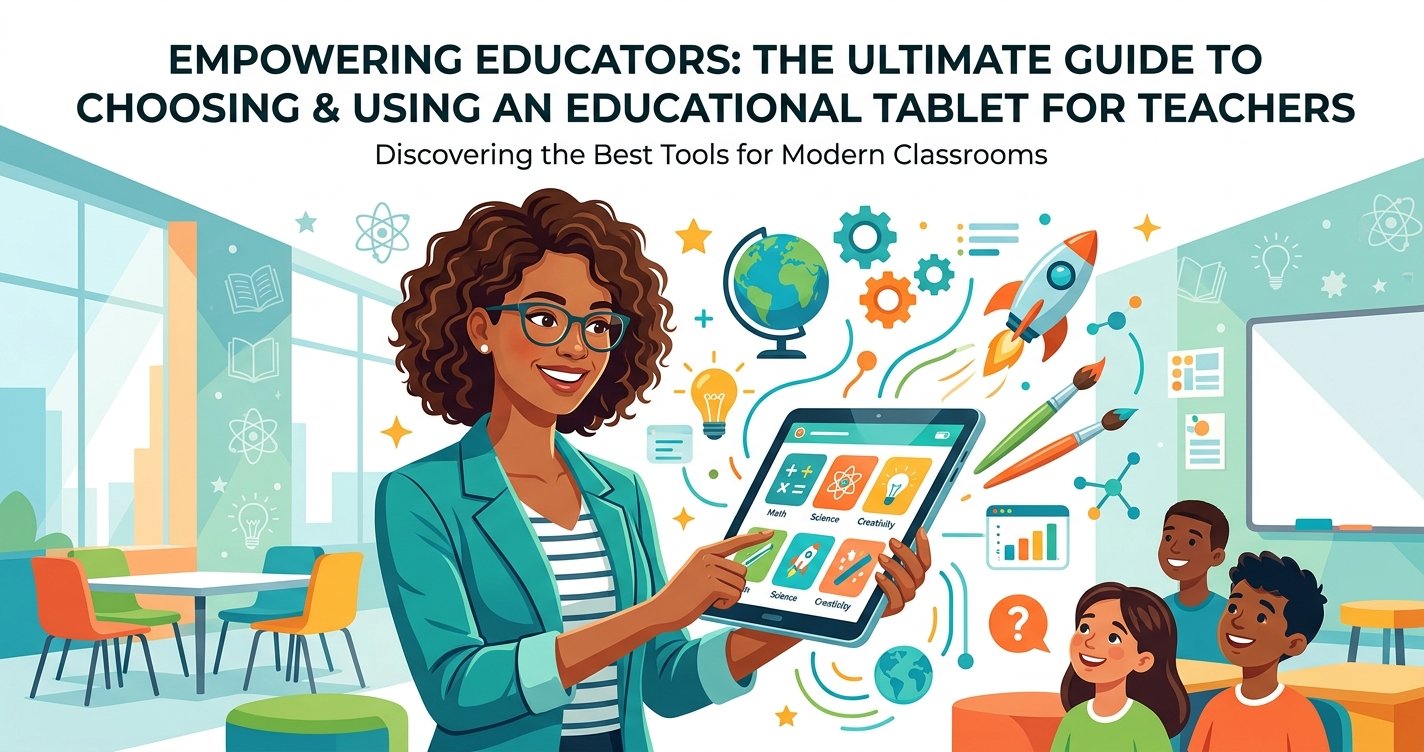
Empowering Educators: The Ultimate Guide to Choosing and Using an Educational Tablet for Teachers
In today's rapidly evolving educational landscape, technology isn't just an add-on; it's an integral component of effective teaching and learning. As a leading expert in educational toys and tools, ToyVista understands the profound impact that the right technology can have on both educators and students. Among the most versatile and powerful tools available to modern instructors is the educational tablet for teachers. Far more than just a consumption device, a well-chosen tablet can revolutionize lesson planning, classroom management, student engagement, and professional development.
Gone are the days when tablets were merely seen as gadgets for students. Today, a dedicated educational tablet for teachers is an indispensable asset, offering a portable, interactive, and resource-rich platform. This comprehensive guide will delve into why these devices are crucial, what features to prioritize, and how to seamlessly integrate them into your daily teaching practices to create a dynamic and future-ready classroom.
Why Every Teacher Needs an Educational Tablet
The demands on teachers are constantly growing, from differentiated instruction to personalized learning paths and continuous assessment. An educational tablet for teachers offers a powerful solution to manage these complexities while enhancing the overall learning experience. It acts as a digital assistant, a portable classroom, and a gateway to infinite resources.
Bridging the Digital Divide and Enhancing Accessibility
Tablets empower teachers to bring the world into their classrooms, offering immediate access to up-to-date information, virtual field trips, and diverse perspectives. For students with varying learning styles or special needs, a teacher's tablet can be a hub for assistive technologies, specialized apps, and multimedia content that makes learning more accessible and engaging. Teachers can project content, share screens, and facilitate group activities that cater to every student.
Streamlining Classroom Management and Organization
Imagine having all your lesson plans, student records, grading tools, and communication platforms in one lightweight device. An educational tablet for teachers makes this a reality. From taking attendance and tracking assignments to managing parent communications and accessing school databases, tablets significantly reduce administrative burdens. Digital planners, note-taking apps, and cloud storage ensure that all essential documents are organized, secure, and accessible from anywhere, freeing up valuable time for actual teaching.
Key Features to Look for in an Educational Tablet for Teachers
Choosing the right tablet isn't about picking the flashiest model; it's about selecting one that aligns with the specific needs of an educator. Here are the crucial features to consider when investing in an educational tablet for teachers:
Durability and Portability
Teachers are constantly on the move, both within the classroom and between different environments. A rugged design, often with reinforced corners and spill-resistant features, is paramount. Lightweight and slim profiles ensure easy portability without adding extra bulk to an already heavy teacher's bag. Look for models that can withstand the rigors of daily use in an active school environment.
Operating System and App Ecosystem
The choice between iOS (Apple iPads), Android, or Windows tablets often comes down to personal preference and existing school infrastructure. Each OS has its strengths: iOS is known for its intuitive interface and vast app store; Android offers greater customization and a wide range of hardware options; and Windows tablets often integrate seamlessly with existing PC-based school systems and offer full desktop functionality. Consider the availability of educational apps and compatibility with school-mandated software.
Battery Life and Performance
A tablet that dies halfway through the school day is more of a hindrance than a help. Aim for devices with at least 8-10 hours of battery life to ensure uninterrupted use from morning bell to after-school meetings. Alongside battery, robust processing power is essential for smooth multitasking, running demanding educational applications, and quickly switching between various resources without lag.
Connectivity and Storage
Reliable Wi-Fi is a given, but consider models with optional cellular connectivity for times when school Wi-Fi is unavailable or unreliable. Adequate internal storage (e.g., 64GB or 128GB minimum, expandable via microSD for Android) is crucial for storing lesson plans, student work, multimedia files, and numerous apps. Cloud integration is also vital for seamless syncing and backup.
Camera Quality and Multimedia Capabilities
A good camera isn't just for taking pictures; it's a powerful educational tool. Teachers can use it to document student projects, create instructional videos, scan documents, or even conduct virtual classroom tours. High-quality speakers and microphones are also important for video conferencing, playing educational audio, and recording student presentations.
Stylus Support and Interactive Features
For many educators, a stylus transforms a tablet into a digital whiteboard, a powerful grading tool, or a precise drawing instrument. Features like palm rejection, pressure sensitivity, and low latency are incredibly valuable for natural writing and annotation. Look for tablets that offer a dedicated stylus or excellent support for third-party options to enhance interactivity and precision.
Integrating the Educational Tablet into Your Teaching Strategy
Acquiring an educational tablet for teachers is just the first step. The real magic happens when it's thoughtfully integrated into your pedagogical approach. Here's how to maximize its potential:
Dynamic Lesson Delivery and Interactive Whiteboards
Connect your tablet to a projector or interactive whiteboard to transform your lessons. Use annotation tools to highlight key concepts, draw diagrams in real-time, or collaboratively edit documents with students. Interactive presentation apps can bring lessons to life with embedded videos, quizzes, and 3D models, making passive learning a thing of the past.
Personalized Learning and Differentiated Instruction
Tablets enable teachers to create and deliver customized learning experiences. Assign different tasks, provide targeted resources, or offer remedial support to individual students based on their needs and pace. Educational apps can adapt to student performance, providing challenges or additional practice as required, helping every student succeed.
Efficient Assessment and Feedback
Digital assessment tools on a tablet can automate grading for multiple-choice questions, provide instant feedback to students, and offer insightful analytics on class performance. Teachers can use the stylus to annotate student essays, record audio feedback, or even conduct quick formative assessments during class, making the feedback loop more efficient and impactful.
Professional Development and Resource Access
An educational tablet for teachers is a portable library of professional development resources. Access online courses, educational webinars, research papers, and pedagogical blogs from anywhere. Connect with professional learning communities, share best practices, and stay updated on the latest educational trends and methodologies.
Beyond the tablet itself, educators are always seeking tools to spark curiosity and build essential skills. For instance, pairing tablet-based learning with hands-on activities, such as exploring this top-rated robotic building kit, can create truly immersive and multidisciplinary learning experiences. Tablets can serve as the control interface, research tool, or even the platform for documenting the building process, seamlessly integrating digital and tangible learning. This combination fosters critical thinking, problem-solving, and creativity, preparing students for a tech-driven future.
Overcoming Challenges and Maximizing Your Tablet's Potential
While the benefits are clear, integrating an educational tablet for teachers into the classroom can present some challenges. Proactive planning and support can help overcome these hurdles.
Ensuring Data Security and Privacy
With sensitive student data and personal information residing on tablets, robust security measures are paramount. Utilize strong passwords, biometric authentication, and encryption. Schools should implement Mobile Device Management (MDM) solutions to remotely manage, secure, and update devices, ensuring compliance with privacy regulations like FERPA.
Professional Development and Technical Support
Even the most intuitive technology requires training. Provide ongoing professional development workshops to help teachers master their tablets, explore new apps, and integrate them effectively into their curriculum. Ready access to technical support is also vital to troubleshoot issues quickly and minimize disruption to learning.
Budgetary Considerations and ROI
Investing in an educational tablet for teachers requires a budget. Schools should consider the long-term return on investment (ROI) in terms of enhanced teacher efficiency, improved student outcomes, and reduced paper consumption. Exploring educational discounts, grants, and bulk purchasing options can make these devices more accessible.
Conclusion
The educational tablet for teachers is no longer a luxury but a powerful necessity in the modern classroom. It streamlines administrative tasks, personalizes learning, enhances engagement, and unlocks a world of resources for both educators and students. By carefully considering features like durability, operating system, battery life, and stylus support, teachers can select a device that truly empowers their teaching.
At ToyVista, we believe in equipping educators with the best tools to inspire the next generation. Embracing an educational tablet is a step towards a more dynamic, efficient, and engaging learning environment. Explore our resources and discover how the right technology, combined with innovative educational toys, can transform your classroom today.


