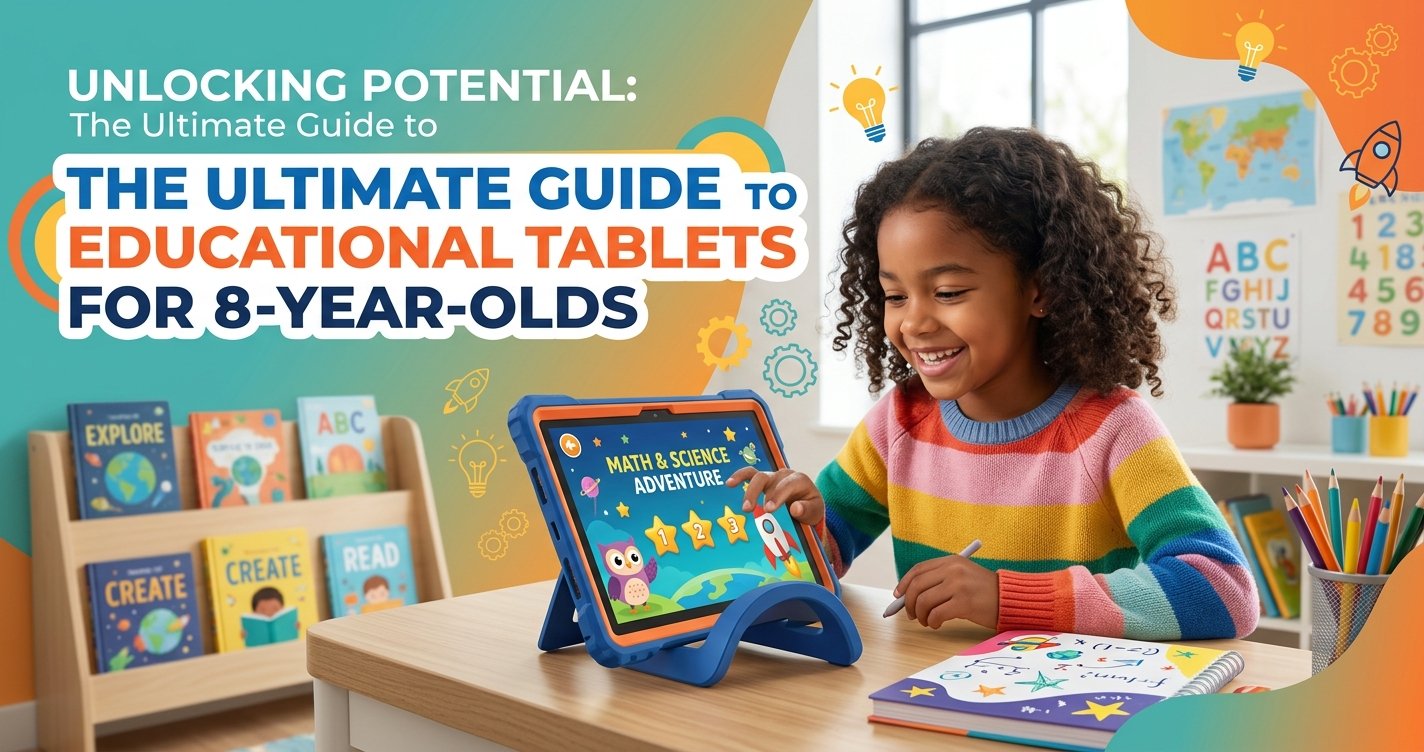
As children grow, their curiosity blossoms, and their capacity for learning expands exponentially. For parents of 8-year-olds, navigating the world of educational tools can be both exciting and daunting. In an increasingly digital age, one tool stands out for its potential to blend entertainment with profound learning: the educational tablet. At ToyVista, a leading expert in educational toys, we understand the delicate balance between screen time and meaningful engagement. This comprehensive guide will delve into why educational tablets are a game-changer for 8-year-olds, what features truly matter, and how to integrate them effectively into your child's learning journey.
Why Educational Tablets are a Smart Choice for 8-Year-Olds
Eight-year-olds are at a pivotal stage of development. They're moving beyond foundational skills and beginning to engage with more complex concepts, problem-solving, and creative expression. Educational tablets, when chosen wisely and used thoughtfully, can significantly augment this growth.
Bridging the Gap Between Play and Learning
The most effective learning often happens when children are having fun. Educational tablets excel at this, transforming traditional lessons into interactive games, captivating stories, and engaging challenges. Whether it's mastering multiplication through an alien invasion game or learning about historical events via an immersive virtual tour, tablets make learning feel less like a chore and more like an adventure. This playful approach keeps 8-year-olds motivated and eager to explore new subjects, fostering a lifelong love of learning.
Developing Essential 21st-Century Skills
Today's world demands a different set of skills than previous generations. Digital literacy, critical thinking, problem-solving, creativity, and adaptability are paramount. Educational tablets provide a safe sandbox for children to develop these crucial skills. From coding games that teach computational thinking to creative apps that encourage digital art and storytelling, these devices prepare children for a future where technology is an integral part of nearly every field.
Personalized Learning Experiences
Every child learns at their own pace and in their own way. Traditional classroom settings, while valuable, can sometimes struggle to cater to individual needs. Educational tablets, however, often feature adaptive learning technologies. These systems can identify a child's strengths and weaknesses, tailoring content to provide appropriate challenges and support. An 8-year-old struggling with fractions might receive extra practice, while another excelling in reading might be introduced to more advanced literature, all without feeling singled out or rushed.
Keeping Them Engaged and Entertained
Let's face it, 8-year-olds have boundless energy and short attention spans for anything they deem "boring." Educational tablets, with their vibrant graphics, interactive elements, and immediate feedback, are masters at capturing and holding a child's attention. This engagement isn't just about passive consumption; it's about active participation, where children are constantly making choices, solving puzzles, and seeing the direct results of their efforts, making the learning process deeply satisfying.
Key Features to Look for in an Educational Tablet
With a plethora of options available, selecting the right educational tablet can be overwhelming. Here's what ToyVista recommends prioritizing:
Robust Parental Controls
This is non-negotiable. An effective educational tablet for an 8-year-old must offer comprehensive parental controls. Look for features that allow you to:
- Set time limits for overall usage or specific apps.
- Filter web content and block inappropriate websites.
- Approve or deny app downloads.
- Monitor your child's activity and learning progress.
- Disable in-app purchases.
These controls empower you to create a safe and focused learning environment, ensuring the tablet remains a tool for education rather than just entertainment.
Age-Appropriate Content and Ecosystems
Many tablets designed for children come with curated content libraries or dedicated kid modes. These often include pre-loaded educational apps, e-books, and videos suitable for an 8-year-old's developmental stage. Opting for a device with a strong educational focus and a well-managed app store ensures that your child is exposed to high-quality, enriching content rather than distractions.
Durability and Kid-Friendly Design
Eight-year-olds are active, and accidents happen. A good educational tablet should be built to withstand drops, spills, and general wear and tear. Look for features like reinforced corners, protective cases (often included), and shatter-resistant screens. A comfortable grip and lightweight design are also important for small hands.
Performance and Storage
While you don't need a top-of-the-line gaming tablet, decent performance is crucial. A slow, laggy tablet will frustrate your child and detract from the learning experience. Look for a device with a responsive processor and sufficient RAM to run educational apps smoothly. Adequate storage (at least 32GB, preferably expandable via a microSD card) is also important for downloading apps, books, and saving projects.
Battery Life
A tablet that constantly needs charging is inconvenient. Aim for a device with a battery life of at least 6-8 hours on a single charge to ensure uninterrupted learning and play, especially during longer trips or when away from power outlets.
Learning Software and Apps
Beyond the hardware, the software is what truly makes a tablet educational. Investigate the types of apps and learning platforms available. Do they cover core subjects like math, reading, and science? Are there opportunities for creative expression, coding, and critical thinking? Many tablets come with subscriptions to educational services, which can be a great value.
Balancing Screen Time with Other Activities
Even the best educational tablet is just one piece of a holistic learning puzzle. It's crucial to integrate tablet usage with a variety of other activities to ensure well-rounded development.
The Importance of Variety
Encourage your 8-year-old to engage in a diverse range of activities. This includes outdoor play, reading physical books, creative arts and crafts, sports, and social interactions. The tablet should complement these activities, not replace them. A balanced approach ensures physical health, social skill development, and diverse cognitive stimulation.
Setting Healthy Boundaries
Clear rules about screen time are essential. Work with your child to establish a schedule that includes dedicated learning time on the tablet, recreational screen time, and plenty of unplugged activities. Use the parental controls discussed earlier to enforce these boundaries gently but firmly. Explaining the "why" behind these rules helps children understand their importance.
Integrating Offline Learning
The concepts learned on a tablet can often be reinforced and expanded through hands-on, real-world activities. For example, if your child is learning about physics principles through an app, consider building a simple machine together. If they're exploring coding, introduce them to robotics. Combining digital learning with tactile experiences deepens understanding and makes abstract concepts tangible. In fact, many parents find that supplementing tablet-based learning with engaging STEM toys greatly enhances their child's overall development. For instance, this top-rated robotic building kit offers a fantastic way for 8-year-olds to apply problem-solving skills and creativity in a physical, engaging format, bringing the abstract concepts of programming to life.
Top Educational Tablet Considerations for 8-Year-Olds
While specific product recommendations can vary, understanding the categories and their strengths will help you make an informed decision.
Dedicated Kids' Tablets
These tablets are built from the ground up for children. They often come with durable casings, extensive parental controls, and pre-loaded, age-appropriate content. Brands like Amazon Kids Fire tablets or LeapFrog offer robust ecosystems tailored for young learners. They are typically more affordable and simpler to manage for parents, focusing purely on educational and kid-friendly entertainment content.
General-Purpose Tablets with Kid Modes
Many mainstream tablets (e.g., certain iPads or Android tablets) offer comprehensive "kid modes" or profiles. These allow you to set up a restricted environment for your child on a more powerful device. The advantage here is versatility; the tablet can grow with your child, and you have access to a wider array of apps. However, setting up and managing these modes can sometimes be more complex, and the initial investment is often higher.
Tablets Focused on STEM/Coding
For the budding engineer or programmer, some tablets are specifically designed to foster STEM skills. These might come with pre-installed coding apps, robotics integration capabilities, or science experiment simulations. They often encourage a deeper dive into specific subjects, providing a more specialized learning experience for children with particular interests.
Maximizing the Educational Value of Tablets
Simply handing a tablet to your child isn't enough. Proactive engagement from parents can significantly amplify its educational impact.
Engaging with Your Child's Learning
Don't just monitor; participate! Sit with your child as they explore new apps, ask them about what they're learning, and celebrate their achievements. Playing educational games together can be a wonderful bonding experience and gives you insight into their progress and interests. Your involvement reinforces the idea that learning is a shared, valuable experience.
Exploring Beyond Pre-Loaded Content
While pre-loaded content is a great starting point, encourage your child to explore new educational apps and resources (within your approved limits, of course). The digital world is vast, offering countless opportunities to learn about history, science, art, languages, and more. Discuss their interests and help them find apps that align with those passions.
Encouraging Creativity and Critical Thinking
Educational tablets aren't just for rote learning. Look for apps that promote creativity (digital art, music creation, storytelling) and critical thinking (puzzle games, strategy challenges, problem-solving scenarios). Encourage your child to not just consume content but to create their own, fostering innovation and self-expression.
Conclusion: Empowering Young Minds with ToyVista
Educational tablets for 8-year-olds are far more than just screens; they are powerful gateways to knowledge, creativity, and essential 21st-century skills. When chosen carefully and integrated thoughtfully into a balanced lifestyle, they can unlock incredible potential in your child.
At ToyVista, we believe in empowering children through play and purposeful learning. By prioritizing robust parental controls, age-appropriate content, durability, and a blend of digital and hands-on experiences, you can provide your 8-year-old with a tool that educates, engages, and inspires. Explore our resources and expert advice to make the best choices for your child's bright future.