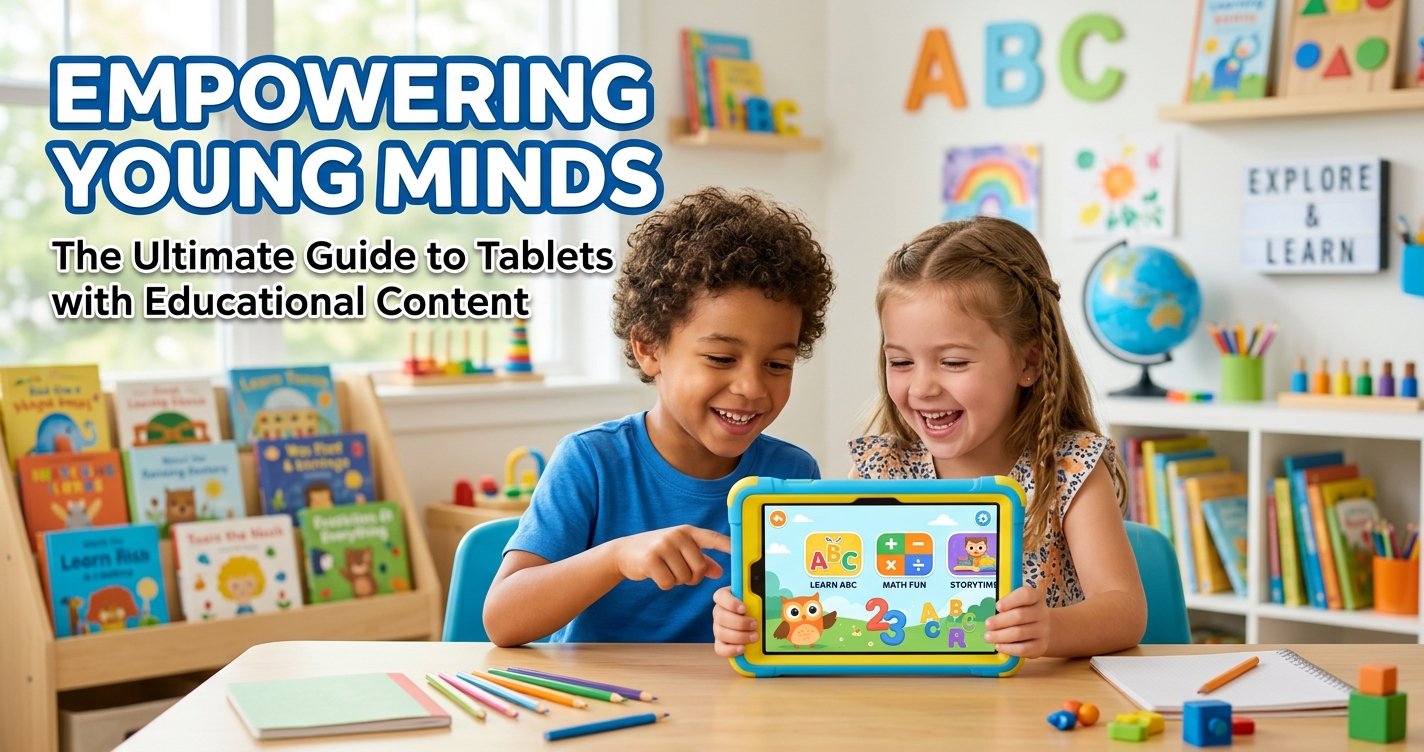
Empowering Young Minds: The Ultimate Guide to Tablets with Educational Content
In an increasingly digital world, the question for parents and educators isn't whether technology will be part of a child's learning journey, but how it can be leveraged most effectively. At ToyVista, a leading expert in educational toys, we understand that finding the right balance between play and learning is crucial. This is where tablets with educational content step in, offering a dynamic platform for discovery, skill development, and creative expression. But with a vast sea of options, how do you navigate to find the best fit for your child's unique needs?
This comprehensive guide will delve deep into the world of educational tablets, exploring their benefits, what features to prioritize, and how to integrate them into a holistic learning environment. Our goal is to equip you with the knowledge to make informed decisions, ensuring that screen time becomes valuable learning time.
The Evolving Landscape of Digital Learning: Why Educational Tablets Matter
Gone are the days when tablets were merely entertainment devices. Today, carefully curated tablets with educational content are powerful tools that can transform how children learn, engage, and grow. They offer a personalized learning experience that traditional methods often can't match, adapting to a child's pace and preferences.
Beyond the Screen: Real Learning, Real Fun
The best educational tablets are designed to be more than just digital babysitters. They feature interactive apps, engaging games, and immersive stories that make learning an adventure. From mastering early literacy and numeracy to exploring coding, science, and history, these devices can turn abstract concepts into tangible, exciting challenges. Children learn through play, experimentation, and immediate feedback, fostering a love for learning that extends far beyond the tablet itself.
Bridging the Gap: Preparing Kids for a Digital Future
Our children are growing up in a world where digital literacy is as fundamental as reading and writing. Introducing them to technology in a structured, educational way prepares them for future academic and professional challenges. Tablets with educational content help develop critical thinking, problem-solving skills, digital citizenship, and even creativity through digital art and music creation, laying a solid foundation for navigating the complexities of the 21st century.
What to Look for in Tablets with Educational Content
Choosing the right educational tablet involves more than just picking a popular brand. It requires careful consideration of several key factors to ensure it meets both your child's developmental needs and your family's values.
Age-Appropriate Content and Parental Controls
This is paramount. Ensure the tablet offers a robust selection of content tailored to your child's age group, covering subjects like reading, math, science, and creative arts. Equally important are comprehensive parental controls that allow you to manage screen time, restrict access to inappropriate websites or apps, and monitor your child's activity. Look for features like app whitelisting, time limits, and activity reports.
Durability and Design for Little Hands
Children's tablets need to withstand the rigors of enthusiastic play. Look for models with sturdy, child-friendly designs, often featuring reinforced corners, rubberized bumpers, or included protective cases. The size and weight should also be appropriate for small hands to hold comfortably, preventing fatigue during use.
Performance and Battery Life
A sluggish tablet can quickly lead to frustration. Opt for devices with sufficient processing power to run educational apps smoothly and without lag. Good battery life is also essential for uninterrupted learning, especially on long car rides or during power outages. Aim for at least 6-8 hours of active use.
Ecosystem and App Availability
Consider the tablet's operating system (e.g., Android, Fire OS, iOS) and its associated app store. A rich ecosystem means a wider variety of high-quality educational apps and content. Some tablets come with pre-loaded educational content or subscriptions, which can be a great value. Research the availability of apps that align with your child's learning goals and interests.
Offline Access and Portability
The ability to download content for offline use is a significant advantage, particularly for travel or areas with limited internet access. Portability, including lightweight design and reliable Wi-Fi connectivity, ensures that learning can happen anywhere, anytime.
Top Features that Make Educational Tablets Stand Out
Beyond the basics, certain features elevate a good educational tablet to a great one, offering richer, more immersive learning experiences.
Interactive Learning Apps and Games
The heart of any educational tablet lies in its apps. Look for those that are not just entertaining but truly educational, offering adaptive learning paths, immediate feedback, and a clear progression of skills. Apps that incorporate gamification can significantly boost engagement and motivation.
E-books and Digital Libraries
Access to a vast library of digital books, from interactive storybooks for preschoolers to chapter books for older children, can foster a love for reading. Many tablets offer subscriptions to digital libraries, providing endless reading material at your child's fingertips.
Creative Tools (Drawing, Music, Coding)
Educational tablets aren't just for academic subjects. Many come equipped with tools for creative expression, such as drawing and painting apps, music creation software, and introductory coding platforms. These tools help develop artistic skills, logical thinking, and problem-solving abilities in a fun, accessible way.
Progress Tracking and Personalized Learning Paths
Some advanced educational tablets and apps offer features that track a child's progress, identify areas where they might need more help, and even suggest personalized learning paths. This data can be invaluable for parents and educators to tailor support and celebrate achievements.
Augmented Reality (AR) Experiences
AR technology is beginning to transform digital learning by blending virtual content with the real world. Imagine a child pointing their tablet at a book and seeing characters come to life, or exploring the solar system as if it were in their living room. These immersive experiences can make learning incredibly vivid and memorable.
Choosing the Right Educational Tablet for Every Age Group
The ideal educational tablet changes as children grow. What's perfect for a toddler won't engage a pre-teen.
Toddlers and Preschoolers (Ages 2-5)
For the youngest learners, focus on durability, simple interfaces, and content that promotes early cognitive skills, hand-eye coordination, and sensory exploration. Think vibrant colors, touch-and-learn games, and interactive storybooks. Robust parental controls are critical here.
Early Elementary (Ages 6-8)
At this stage, children are developing foundational academic skills. Look for tablets with strong literacy and numeracy apps, basic coding games, and creative tools. Parental controls should still be comprehensive but allow for a bit more exploration under supervision.
Upper Elementary and Middle School (Ages 9-12+)
Older children can handle more complex devices and content. Consider tablets that support more advanced STEM subjects, digital creation, research tools, and collaborative projects. They might benefit from tablets that can also function as light productivity tools, preparing them for schoolwork. Emphasis shifts from strict content control to teaching responsible digital citizenship.
ToyVista's Approach to Digital Education: Integrating Play with Purpose
At ToyVista, we believe that the most effective learning happens when children are actively engaged and having fun. This philosophy extends from our physical educational toys to our recommendations for digital learning tools. Tablets with educational content, when chosen wisely, perfectly align with our mission to inspire curiosity and critical thinking.
We see educational tablets as powerful complements to hands-on learning, not replacements. While tablets offer a fantastic digital gateway to STEM concepts, coding, and problem-solving through interactive apps and simulations, hands-on experiences are equally vital for solidifying these skills. For children ready to translate their digital learning into tangible creations, combining screen time with physical building activities can be incredibly beneficial. For instance, fostering early engineering and coding skills can be achieved through interactive apps, but then solidified with physical construction. Products like this top-rated robotic building kit allow children to physically construct, program, and interact with their own creations, bringing abstract concepts to life and offering a tactile dimension to what they might learn virtually. This synergy between digital and physical play is where true, deep learning flourishes.
Maximizing the Benefits: Tips for Parents and Educators
Simply providing a child with an educational tablet isn't enough. Thoughtful integration and supervision are key to unlocking its full potential.
Set Screen Time Limits and Boundaries
Even with educational content, moderation is crucial. Establish clear, consistent screen time limits that are appropriate for your child's age and developmental stage. Utilize the tablet's parental controls to enforce these boundaries.
Engage Together: Co-Play and Discussion
Don't just hand over the tablet. Sit with your child, explore apps together, ask questions about what they're learning, and discuss the content. This shared experience enhances learning, strengthens bonds, and helps you understand your child's digital interactions.
Balance Digital with Physical Play
Ensure a healthy mix of activities. Encourage outdoor play, reading physical books, creative arts and crafts, and social interaction with peers. Educational tablets are one tool in a diverse learning toolkit.
Monitor Content and Progress
Regularly review the apps your child is using and check their progress reports if available. This allows you to ensure the content remains age-appropriate, challenging, and beneficial, and to identify any areas where your child might be struggling or excelling.
Prioritize Eye Health and Ergonomics
Teach your child good habits for using their tablet, such as maintaining a proper distance from the screen, taking regular breaks, and using it in well-lit environments. Consider blue light filters and ergonomic accessories to promote comfort and reduce strain.
Conclusion
Tablets with educational content represent an incredible opportunity to enrich a child's learning experience, offering personalized, engaging, and future-forward ways to explore the world. By carefully considering factors like age-appropriateness, durability, content quality, and parental controls, you can select a device that truly serves as a gateway to knowledge and creativity.
At ToyVista, we are committed to helping you navigate these choices, ensuring that every tool, digital or physical, contributes meaningfully to a child's development. Embrace the power of digital learning responsibly, and watch your child thrive in an ever-evolving world. Explore our resources and discover how the right educational tools can make all the difference.