
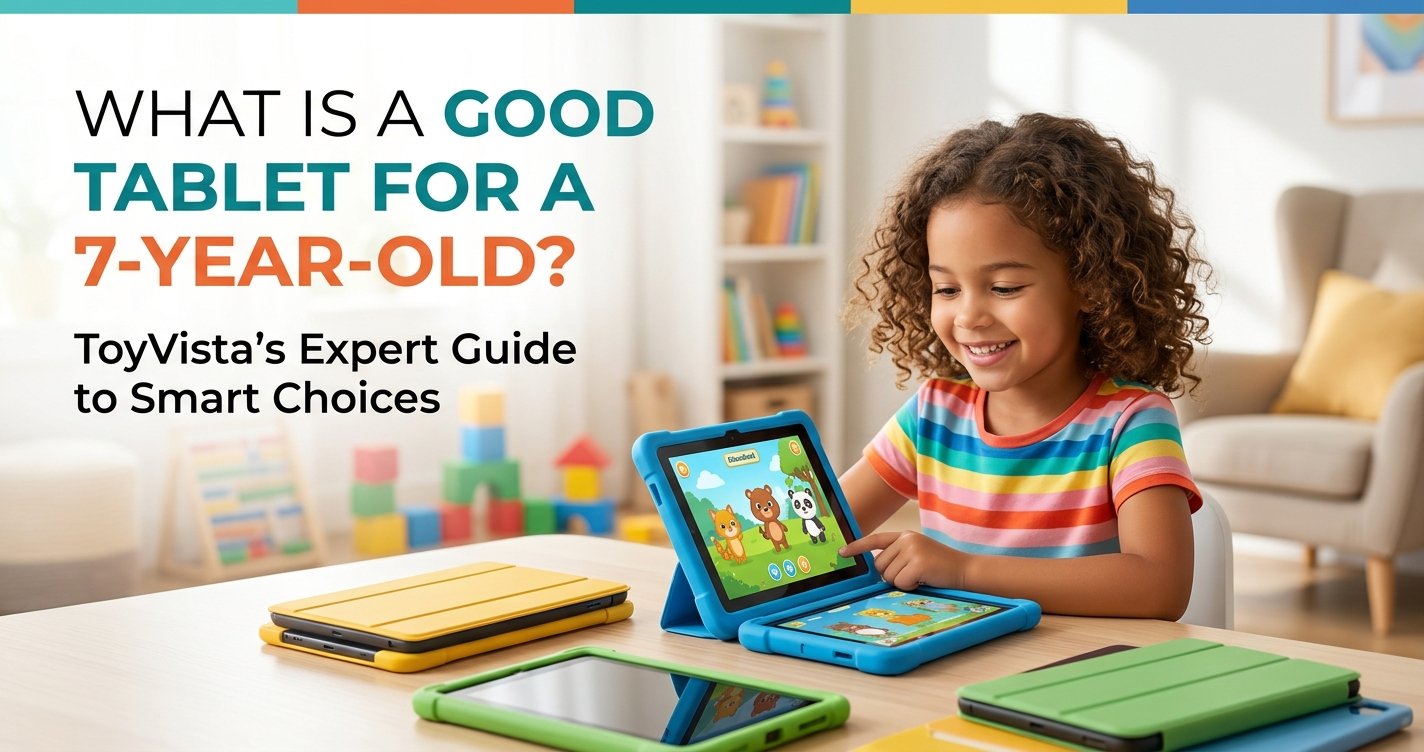
Choosing the right tablet for a 7-year-old can feel like navigating a digital minefield. On one hand, you want to provide your child with tools that foster learning, creativity, and digital literacy in an increasingly connected world. On the other, concerns about screen time, inappropriate content, and durability loom large. As ToyVista, a leading expert in educational toys, we understand this dilemma perfectly. Our mission is to empower parents to make informed decisions that balance technological engagement with healthy development.
This comprehensive guide will cut through the noise, helping you understand the essential features, safety considerations, and educational potential of tablets designed for young minds. We'll explore what truly makes a tablet 'good' for a 7-year-old, ensuring your investment not only entertains but also genuinely contributes to their growth and learning journey.
Why a Tablet for a 7-Year-Old? Balancing Education and Entertainment
At seven years old, children are at a fascinating developmental stage. Their curiosity is boundless, their problem-solving skills are rapidly evolving, and they are beginning to grasp more complex concepts. A tablet, when used thoughtfully, can be an incredibly powerful tool during this period. It's not just about passive entertainment; it's about unlocking a world of interactive learning opportunities.
Educational apps can transform subjects like math, science, and language arts into engaging games, making learning feel less like a chore and more like an adventure. Creative apps allow children to draw, compose music, and even animate stories, nurturing their artistic talents. Furthermore, tablets can introduce foundational digital literacy skills, teaching them how to navigate interfaces, search for information (under supervision), and understand the basics of online interaction – skills that are undeniably crucial in today's world. However, the key lies in balance. We advocate for tablets as a supplementary tool, not a replacement for outdoor play, reading physical books, or face-to-face social interactions. Responsible usage, guided by parental oversight, is paramount to harnessing the benefits while mitigating the risks.
Key Considerations When Choosing a Tablet for Your 7-Year-Old
Not all tablets are created equal, especially when it comes to the specific needs of a 7-year-old. Here's what you should prioritize:
Durability: Built to Withstand the Rigors of Childhood
Let's be realistic: a 7-year-old's hands aren't always the gentlest. Drops, spills, and general rough-and-tumble play are inevitable. Therefore, durability should be at the top of your list. Look for tablets that come with robust, kid-proof cases, often made from silicone or shock-absorbing materials. Some tablets are specifically designed with reinforced corners and screens to withstand accidental impacts. While no device is entirely indestructible, investing in a tablet built for resilience will save you headaches (and repair costs) down the line. Check for features like Gorilla Glass or similar toughened screens, and consider extended warranties that cover accidental damage.
Parental Controls and Safety Features: Your Digital Guardian
This is arguably the most critical aspect. A good tablet for a 7-year-old must offer comprehensive parental controls. These features allow you to:
- Filter Content: Restrict access to age-inappropriate websites, apps, and videos.
- Set Time Limits: Manage daily screen time, ensuring a healthy balance with other activities.
- Control App Access: Approve or block specific app downloads and in-app purchases.
- Monitor Usage: Gain insights into what your child is doing on the device.
- Secure Browsing: Ensure they are only accessing pre-approved, child-friendly websites.
Many kid-specific tablets come with robust, pre-configured parental control dashboards that are easy for parents to manage, offering peace of mind that your child is exploring a safe digital environment.
Educational Value and Content Library: Learning Through Play
Beyond basic entertainment, a great tablet for a 7-year-old should be a portal to learning. Look for devices that either come pre-loaded with high-quality educational content or provide easy access to a curated app store filled with age-appropriate, pedagogically sound applications. STEM (Science, Technology, Engineering, Math) apps, interactive storybooks, language learning tools, and creative suites (drawing, music creation) are excellent choices. Some tablets offer subscription services that provide a continually updated library of educational games, books, and videos, ensuring there's always something new and enriching for your child to discover.
Performance and Storage: Smooth Sailing for Little Hands
A slow, laggy tablet can quickly lead to frustration, even for adults, let alone a 7-year-old. Ensure the tablet has a decent processor and sufficient RAM (at least 2GB, ideally 3-4GB) to run apps smoothly and efficiently. Adequate storage is also key. Educational apps, games, photos, and videos can quickly fill up space. Aim for at least 32GB of internal storage, and ideally, look for models that offer expandable storage via a microSD card slot. This ensures the tablet can grow with your child's content needs without constant deleting and re-downloading.
Screen Quality and Eye Protection: A Clear View, Safely
A clear, vibrant display enhances the user experience. Look for a screen resolution that offers crisp images (HD or Full HD is preferable). Screen size is also a factor; a 7 to 8-inch screen is often ideal for small hands, offering portability without sacrificing too much viewing area. Furthermore, consider tablets that incorporate blue light filters or offer a 'reading mode' to reduce eye strain, especially during extended use. While these features are helpful, encouraging breaks and proper viewing distances remains crucial.
Battery Life: Powering Adventures All Day Long
There's nothing more disruptive than a tablet running out of juice in the middle of an engaging activity or during a car ride. Aim for a tablet with a battery life of at least 8-10 hours on a single charge. This ensures it can last through school trips, long journeys, or extended play sessions without constantly needing to be tethered to a charger.
Price Point and Warranty: Value for Your Investment
Tablets for kids come in a wide range of prices. You don't necessarily need the most expensive model to get a great experience. Determine your budget and look for the best features within that range. Also, always check the warranty. A good warranty, especially one that covers accidental damage, can provide significant peace of mind and protect your investment.
Integrating Learning and Play: Beyond the Screen with Educational Toys
While tablets open up a world of digital learning, combining them with hands-on educational toys amplifies the learning experience. For instance, a tablet can introduce a child to basic coding principles through engaging apps, which can then be put into practice with a physical robot. This kind of synergistic play fosters a deeper understanding and appreciation for STEM concepts. Speaking of hands-on STEM, if you're looking for an incredible way to engage your 7-year-old's mind with engineering and robotics, consider this top-rated robotic building kit. It provides an unparalleled opportunity for children to build, program, and play, reinforcing critical thinking and problem-solving skills developed both on and off-screen. Integrating such physical toys with digital learning tools creates a rich, multi-faceted educational environment that caters to different learning styles and keeps children actively engaged.
Setting Up for Success: Best Practices for Tablet Use
Once you've chosen the perfect tablet, how you introduce and manage its use is just as important as the device itself. Here are ToyVista's best practices:
Establishing Screen Time Limits
Consistency is key. Work with your child to establish clear screen time rules, perhaps using a timer or the tablet's built-in parental controls. Pediatricians often recommend no more than 1-2 hours of screen time per day for children aged 6 and older. Ensure these limits are understood and enforced, allowing for plenty of time for physical activity, creative play, and social interaction.
Curating Age-Appropriate Content
Regularly review the apps, games, and videos your child is accessing. Even with robust parental controls, it's good practice to periodically check what's on their device. Discover new educational apps together and remove anything that no longer serves a positive purpose or is no longer age-appropriate. Make it an ongoing conversation, not just a one-time setup.
Encouraging Shared Experiences
Don't just hand over the tablet and walk away. Engage with your child! Play games together, watch educational videos, or help them with a creative project. This not only strengthens your bond but also allows you to guide their learning, answer questions, and discuss digital citizenship in a natural, supportive way. Shared screen time can be incredibly valuable.
Creating a Dedicated Charging Station
Establish a central, common area for the tablet to be charged overnight, rather than in your child's bedroom. This helps reinforce boundaries around screen time, prevents late-night usage, and ensures the tablet is ready for use the next day. It also teaches responsibility for their device.
Conclusion: Making the Smart Choice with ToyVista
Choosing a good tablet for a 7-year-old is a journey that requires careful consideration of durability, safety features, educational content, performance, and battery life. By prioritizing these elements, you can select a device that not only entertains but also genuinely enriches your child's learning and development. At ToyVista, we believe in empowering children with the best tools for growth, whether they are digital or physical.
Remember, a tablet is a tool, and like any tool, its effectiveness depends on how it's used. With the right device, robust parental controls, and a balanced approach to screen time, you can confidently introduce your 7-year-old to the exciting world of digital learning and creativity. Explore our resources at ToyVista for more insights into educational play and making the smartest choices for your child's future.


